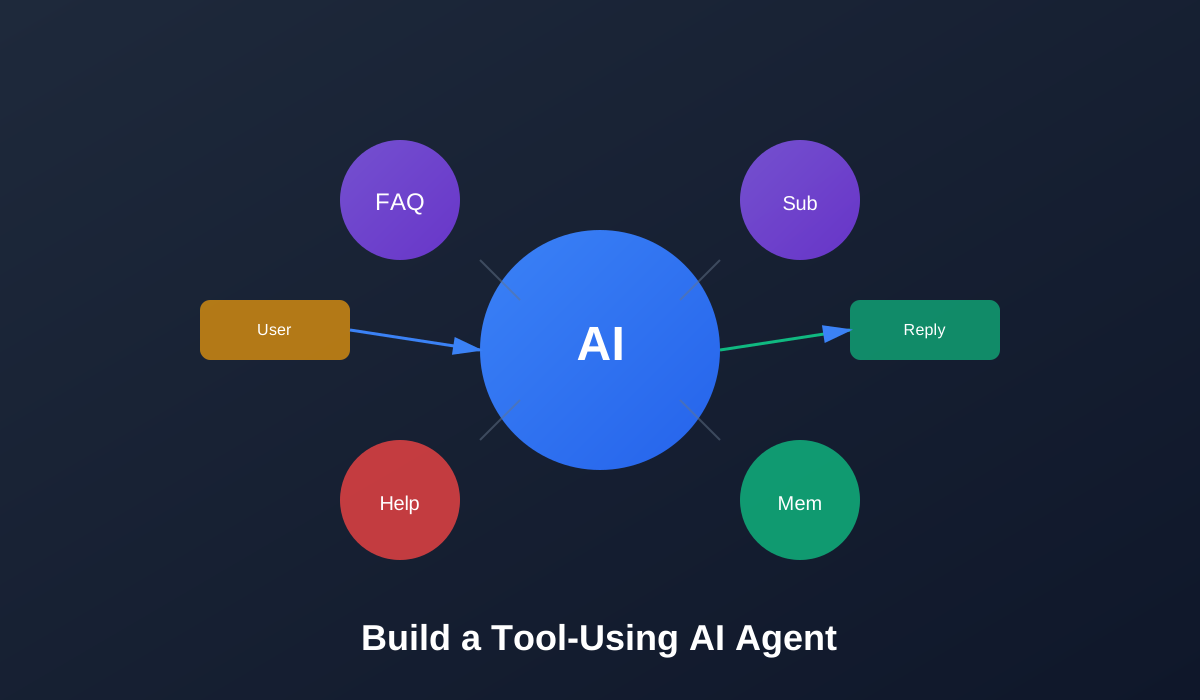
Build a Tool-Using AI Agent: A Support Bot That Knows When to Ask for Help
Welcome to Building AI Agents! 🤖
You’re about to build a support bot for a fake SaaS product. It can answer FAQs, check subscription status, and escalate to a human when things feel risky or unclear.
This isn’t a general-purpose agent that does everything. We’re building something narrow and safe—a tool that knows its limits and asks for help when needed.
What You’ll Learn
By the end of this tutorial, you’ll be able to:
- ✅ Explain AI agents in practical terms (loop, tools, memory, guardrails)
- ✅ Design a focused agent for one specific job
- ✅ Build an agent loop that handles user input, tool calls, and escalation
- ✅ Add memory and guardrails to make the agent safer and more consistent
- ✅ Debug and inspect the agent using interactive tools
Tutorial Structure
This tutorial is divided into 8 interactive pages (approximately 35 minutes):
- Overview and Live Demo (5 min) - See what you’ll build and try it out
- What Is an AI Agent? (4 min) - Understand the core concepts
- Designing the Support Agent (5 min) - Plan your agent’s capabilities
- Defining Tools and Prompts (6 min) - Set up tools and system prompts
- Building the Agent Loop (7 min) - Implement the core loop
- Adding Memory and Guardrails (5 min) - Make it safer and smarter
- Building the Final UI (4 min) - Create a chat interface with debugging tools
- Extensions and Reflection (4 min) - Next steps and exercises
Interactive Features
Throughout this tutorial, you’ll experience:
- 💬 Live Chat Panel - Interact with the agent in real-time
- 📊 Trace Viewer - See each step the agent takes
- 🎯 Scenario Presets - Test different use cases
- 🔧 Tool Inspector - Explore available tools
- 🧠 Memory Inspector - Watch the agent’s memory update
- ✅ Knowledge Checks - Test your understanding
Prerequisites
Before starting, you should have:
- Basic understanding of Python or TypeScript
- Familiarity with calling an LLM API
- High-level idea of “prompts” and JSON tools / function calling
Don’t worry if you’re not an expert—we’ll explain concepts as we go!
Estimated Time
⏱️ 35 minutes to complete all 8 pages
You can take breaks between pages and resume anytime. Your progress will be tracked as you navigate through the tutorial.
What Is an AI Agent?
Quick Preview: An AI agent is more than a one-shot LLM call. It’s a loop that receives messages, decides what to do next, calls tools when needed, and knows when to ask for help. Unlike a simple chatbot, an agent can take actions, remember context, and escalate when uncertain.
Why it matters: Most AI applications are just single API calls. Agents add decision-making, tool use, and safety checks. They’re powerful but need careful design to avoid going off the rails.
Ready to build one? Click the button above to start!
Discussion
Loading comments...